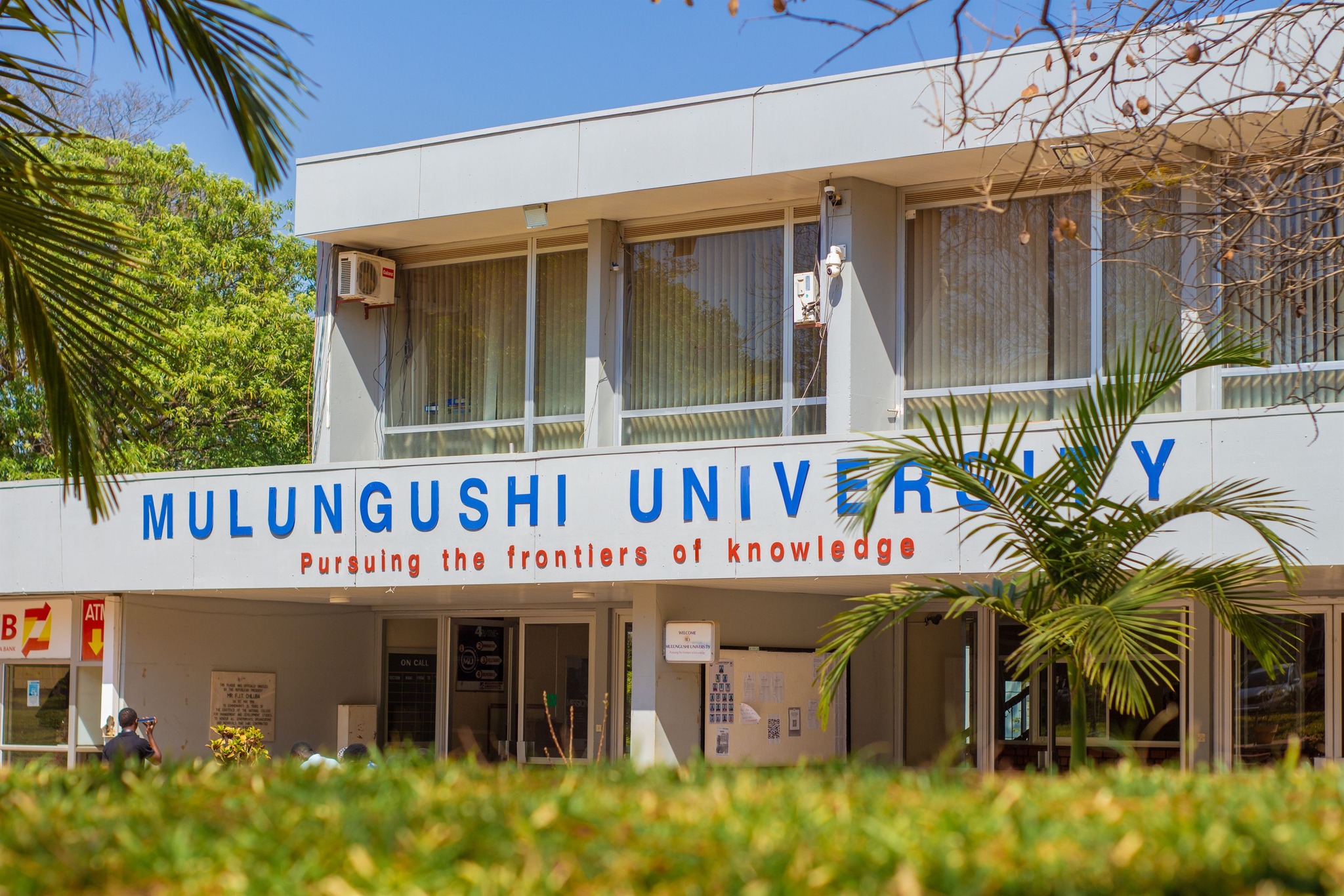

So when applying online you have to go to **https://edurole.mu.ac.zm/**. Once you go there you will see the **website** appear like this then click **Online Application for new students**.

Applying to **Mulungushi University** is simple and can be completed entirely online. Below is a detailed guide to help you through the process — from **choosing your program** to **making your payment** and **submitting the required documents**.
**Step 1: Pay the Application Fee**
To complete your application, you are required to pay a **non-refundable application fee** as follows:
**Local Applicants**: Pay K150 into the **Mulungushi University ZANACO Bank Account**
**Account Name**: Mulungushi University
**Account Number**: 1067654300160
**Bank**: ZANACO (available at any branch countrywide)
**Foreign Applicants**: Prepare a **bank draft of USD 50 payable to Mulungushi University**.
Scan and attach a copy of this draft to your online application.
💡 Tip: Keep your **deposit slip** safely — you’ll need to scan and attach it when submitting your online form.
**Step 2: Prepare and Attach the Required Documents**
Before you begin your online application, ensure you have **scanned and certified copies** of the following documents:
***Proof of Payment*** – the **deposit slip** or **bank draft receipt**.
***Academic Certificates or Statement of Results*** – **certified copies are required**.
**Note:** Your application will not be considered without this document.
**Post-School Qualifications (if any)** – attach **certified copies** of any diplomas, certificates, or professional qualifications obtained after leaving school. This applies if you have ever gone to any other school
**Identification Document** – a copy of your **NRC, passport, or any other valid form of identification**.
**Sponsorship Letter** – a **signed letter from your sponsor confirming financial support** for your studies at **Mulungushi University**.
**⚠️ Important Reminder**
Your application will **not be processed or considered unless you attach all required documents**. Double-check your uploads before submitting the online form.
**Applying to Mulungushi University** is an **exciting step** toward your **academic and professional goals**. To help you prepare, here’s everything you need to know about the **entry requirements for various programs** and how to **submit your application successfully**.
**🏢 Business-Based Programmes (Business Studies & Economics)**
Applicants wishing to pursue **business-related programs** must have:
A **credit (6) or better in English Language and Mathematics**, and
A **credit (6) or better in any other three subjects** in the **Zambian School Certificate (ZSC)**, **General Certificate of Education (GCE)**, or **Cambridge International Examinations**.
**🌾 Natural Science-Based Programmes (Physical Sciences, Engineering, Technology & Agriculture)**
All **science-based programs** require:
A **credit (6) or better in English Language, Mathematics, and Biology or Agricultural Science**,
A **credit (6) or better in Science**, or for **pure science applicants** — **Physics (5054) and Chemistry (5070)**, and
A **credit or better in two (2) other subjects** from the **Zambian School Certificate, GCE, or Cambridge International Examinations**.
**🧠 Social Sciences & Arts-Based Programmes**
Applicants for **Social Science or Arts-based programs** must have:
A **credit (6) or better in English Language**, and
A **credit (6) or better in any other four (4) subjects** from the **Zambian School Certificate, GCE, or Cambridge International Examinations**.
**🩺 Bachelor of Medicine and Bachelor of Surgery (MBChB)**
i) **Ordinary (O) Level Entry – Pre-Medicine** Applicants must have **five (5) O-Level credits or better** in the following subjects:
**English Language**
**Mathematics**
**Biology**
**Science or Pure Sciences (Physics and Chemistry)**
**Plus any other subject**
Such applicants will first undertake **Foundation Sciences (Advanced ‘A’ Levels) in Biology, Chemistry, Mathematics, and Physics** at **Mulungushi University’s Great North Road Campus in Kabwe** for **one (1) year**. After **successful completion**, students will proceed to the **School of Medicine and Health Sciences in Livingstone**.
**ii) Advanced (‘A’) Levels / Graduate – Direct Entry**
**‘A’ Level Entry**: Applicants with **‘A’ Levels in Biology, Chemistry, Mathematics, and Physics** (**average grade B or better**) from a **recognized institution** are admitted **directly into the second year** (the first year of Medical School) at the **Livingstone Teaching Hospital Campus**.
**Graduate Entry**: Applicants holding **first degrees in Health-related, Biological/Life Sciences, or Physical Sciences** from **HEA-recognized institutions** will also be admitted **directly into the second year**, provided they have the **required five O-Level credits listed above**.

**Tapping on the School** you want to expand will open up the **school form** to enter.

Every school contains programs so you have to make sure that you choose a program for yourself. Make sure that you choose **Bachelo'rs** if you are studying a degree program then for masters make sure you choose any program with the word **Masters**.

When you click a program you will. be greeted with this page

In the **Student Details** section of the **Mulungushi University online application**, you will provide your **personal and contact information**. This data helps the University **process your application** and **prepare your student profile** upon enrolment.
The following fields are required:
* **National Registration Number (NRC/Passport Number)**
Example: 112233/44/55 Enter the **identification number** on your **National Registration Card (NRC)** or **passport**. You'll also need to **upload a scanned copy of this document for verification**.
📎 **Upload Requirement**: Attach a **clear scan** of your **NRC or Passport**.
* **Surname**
Example: Estudy Enter your **family name** exactly as it appears on your **identification documents**.
* **First Name**
Example: Zambia Provide your **given name** as indicated on your **NRC, passport, or birth certificate**.
* **Middle Name**
This field is **optional**. Include your middle name if you have one.
* **Sex (Gender)**
Select your **gender** from the available options (e.g., Male or Female).
* **Date of Birth**
Example: **1 January 2000** Choose your **day, month, and year of birth** as they appear on your **identification documents**.
* **Nationality**
Example: Zambian Select your **nationality** from the dropdown list.
* **Residential Address**
Example: 10101 Kabwata, Munkoyo Street 1583 Enter your **full physical address** where you currently reside. This helps the University **determine your region and correspondence details**.
* **P.O. Box**
Example: 10101 Provide your **postal address**, which may differ from your residential address.
* **City/Town**
Example: Lusaka Indicate the **city or town** where you live.
* **Phone Number**
Example: 0978168860 Provide an **active mobile number** that the University can use to **contact you regarding your application**.
* **Email Address**
Example: [email protected] Enter a **valid email address** (Yahoo, Gmail, Hotmail, etc.). This is **essential for receiving communication and admission updates**.
* **Country**
Example: Zambia Select your **country of residence** from the list provided.
* **Disability**
Example: No Indicate whether or not you **have a disability**. If you do, you’ll be able to **specify the nature of your disability** to allow the University to **make necessary support arrangements**.
* **Marital Status**
Example: Married Choose your **current marital status** (e.g., Single, Married, Divorced, or Widowed).
* **Study Delivery Mode**
Example: Distance Select **how you intend to pursue your studies** — options typically include Full-Time, Part-Time, or Distance Learning.
* **Examination Centre Location**
Example: Kabwe Centre Select the **examination centre where you plan to write your exams**, choosing the centre **most convenient or closest to your location**.
**NOTE:** Clicking Save will save your information.

In this section, you will enter the grades you obtained during your secondary education. These results are crucial in determining your eligibility for admission to your chosen program at **Mulungushi University**.
Ensure that all grades are entered accurately and match the details on your official certificate or statement of results.
Examination Details
**Examination Number:** Enter the unique number assigned to you during your Grade 12 or equivalent final examination.
**Year of Completion:** Select the year you completed secondary school from the dropdown list.
**Scan of Document:** * **Upload Requirement:** Attach a clear scanned copy of your school certificate or statement of results. * Applications submitted without this document will not be considered.
Subjects and Grades
Below is the list of subjects available in the application form. You are required to enter the grades you obtained in each subject as they appear on your certificate.
English [1], Mathematics [1], Accounts [1], Principles of Accounting [1], Additional Mathematics [1], Agricultural Science [1], Agriculture [1], Art [1], Bemba [1], Biology [1], Business Studies [1], Chemistry [1], Chinyanja / Nyanja [1], Chitonga / Tonga [1], Civic Education [1], Civics [1], Commerce [1], Computers [1], Computer Science [1], Design and Technology [1], Development Studies [1], Economics [1], English as a Second Language [1], Food and Nutrition [1], French [1], Geometry and Mechanical Drawing [1], Geography [1], General Science [1], History [1], Home Management [1], Information and Communication Technology (ICT) [1], Literature in English [1], Lozi [1], Lunda [1], Luvale [1], Metal Work [1], Music [1], Natural Economics [1], Physical Education [1], Physical Science [1], Physics [1], Portuguese [1], Religious Education (RE) [1], Science [1], Wood Work [1]
Helpful Tips:
* Enter only the subjects you attempted and leave the rest blank. * Ensure that the grades match your official certificate; discrepancies may delay your application processing. * Note that **[ ]** represents the grade you got in secondary school.

In this section, provide details of your previous education, starting with secondary school and including any post-secondary or professional training. Add more than one record by clicking the "Add" button, and ensure you enter all relevant certificates, diplomas, or degrees.
Step 1: **Type of Certificate**
Field: 3.1 **Type of Certificate**
What to enter: Select the type of qualification you are providing.
* Examples include: Certificate, Diploma, Degree, or Professional Certification.
Tip: Choose the option that best matches your document.
Step 2: **Name of Institution**
Field: 3.2 **Name of Institution**
What to enter: Enter the name of the school, college, or university where you obtained the certificate.
* Example: Chassa Secondary School * Example for tertiary: **Mulungushi University**
Step 3: **Name of Certification**
Field: 3.3 **Name of Certification**
What to enter: Enter the exact name of your certificate, diploma, or degree.
* Examples: Grade 12 Certificate, Diploma in Business Studies, Bachelor of Science in Computer Science
Step 4: Upload Certificate / Document
Field: Scan of Document
What to do: Upload a clear scan or photo of your certificate or diploma.
Accepted formats: JPG, PNG, or PDF.
* Example: Screenshot **2025-10-28** at 4.23.10 PM
Tip: Ensure the scan is legible and shows the official school stamp or signature if available. This is mandatory for your application to be processed.
Step 5: Adding More Records
If you have more than one qualification, click the "Add" button to enter additional certificates, diplomas, or degrees.
Repeat steps 1–4 for each record.
Examples of additional records:
* Diplomas from technical colleges * Undergraduate or postgraduate degrees * Professional certifications like **Huawei IoT**, **Cisco IoT**, or cloud computing courses
By completing this section accurately, you help **Mulungushi University** verify your educational background and determine your eligibility for your chosen program.

When initially choosing a sponsor, please select **self-sponsorship** if you intend to sponsor yourself, even if you plan to apply for a scholarship later.

This is the final part of your application.
Select two additional programs you would like to be considered for if your first choice is unavailable.

Before submitting, **take caution**: you will not be allowed to edit your submission afterward.
Therefore, ensure you review your information and confirm its accuracy before proceeding.
If you find this information useful, please join our group on [https://whatsapp.com/channel/0029Valylhw5K3zaUvBa221w]